AI Observability in 2026: 7 Hidden Production Metrics That Predict 95% of Enterprise AI Failures
Download MarkDown
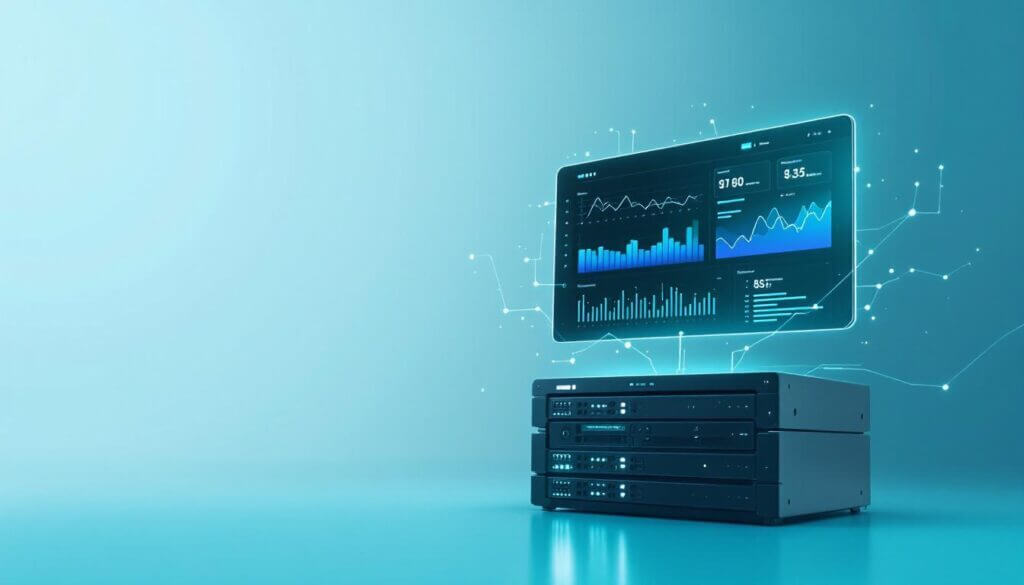
AI observability is the difference between a 5% AI program and a 95% one. And almost nobody is doing AI observability right in 2026.
We have audited 14 enterprise AI deployments at Velocity Software Solutions over the last six months. Twelve of them had a Datadog or New Relic dashboard with a thin AI observability skin on top. Twelve of them were also flying blind on the failure modes that actually mattered. Token counts? Tracked. Latency? Tracked. The AI observability metrics that predicted whether the agent would silently start deleting customer records at 3am? Nowhere on the screen.
That gap is not a tooling problem. It is an AI observability metrics problem. The standard observability playbook was built for stateless web services, and AI systems break in ways that web services do not. If your dashboard looks like an APM dashboard with a “tokens” column added, your AI observability layer is missing roughly seven things that matter.
This is a long one. We are going to walk through each of those seven hidden production AI metrics, why each one fails the standard tooling test, and what an honest AI observability fix looks like — including the dashboard layout we use with our own clients.
Table of Contents
- Why Standard Monitoring Misses AI Failures
- Metric 1: Cost Per Outcome — The Production AI Metrics Headline
- Metric 2: Tool-Call Success Rate for AI Agent Monitoring
- Metric 3: Reasoning Loop Depth
- Metric 4: Retrieval Precision Drift
- Metric 5: Hallucination Rate Per Question Class
- Metric 6: True End-to-End p95 Latency
- Metric 7: Golden-Set Output Drift
- How to Build AI Observability Into Your Stack
- A Real Walkthrough: Catching a $9K Bug in 12 Hours
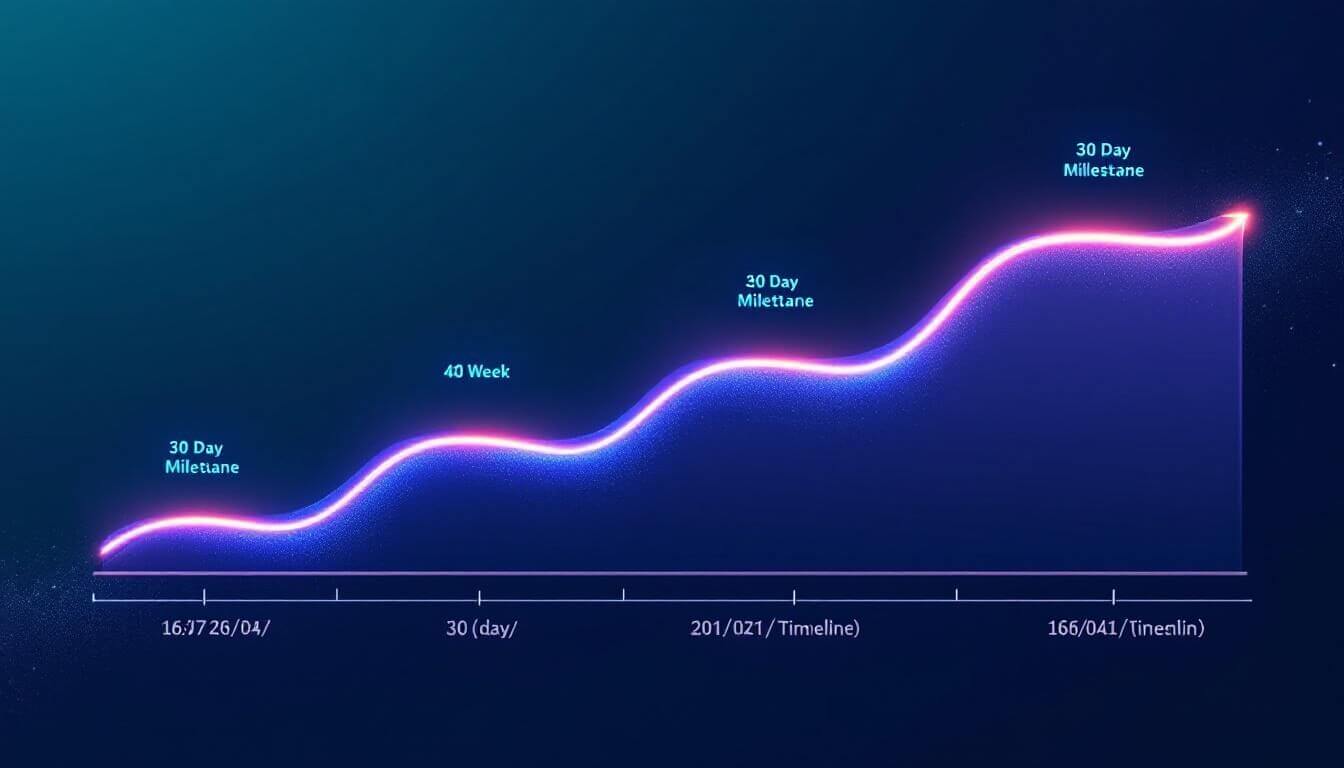
- The 30-Day AI Observability Setup Plan
Why Standard Monitoring Misses AI Failures (And Where AI Observability Begins)
An APM dashboard answers one question well: is the service responding? It does not answer is the service responding correctly. AI observability starts where that gap begins. For a CRUD endpoint, the two questions are basically the same. For an LLM endpoint, they are not even cousins.
The 2026 Datadog State of AI Engineering report puts this bluntly: 78% of enterprises now run at least one AI agent in production, and 41% of them say their primary monitoring stack does not catch AI-specific incidents. That is the AI observability gap in one number. The model returns a 200. The agent says “task complete.” The customer record is wrong. No alert fires.
41% of enterprises running AI in production say their primary monitoring stack does not catch AI-specific incidents.
That blindness compounds. We saw one client whose agent was hitting a 0.4% silent-failure rate — wrong tool call, no error, no escalation. Over 70,000 monthly runs, that is 280 broken interactions a month, hidden. By the time anyone noticed, three months had gone by and the support team had absorbed the damage as “weird tickets.” Their AI observability stack was technically green throughout.
The fix is not buying a better AI observability tool. It is tracking the right metrics. Standard tooling can host them. Most teams just do not know what to put on the screen.
Metric 1: Cost Per Outcome — The Production AI Metrics Headline
Token cost is the metric every team puts on the AI observability dashboard first. It is also the most misleading one we see in 2026. Token cost tells you how much electricity you burned. It does not tell you whether the user got value.
The 7 brutal math truths behind the 95% AI agent ROI failure rate walks through this in detail, but the short version: 95% of organizations get zero ROI from AI agents, and the top-quartile 5% pull about $8 back per dollar spent. The line that separates them is not model choice. It is whether they measure cost per outcome.
Cost per outcome is calculated as:
cost_per_outcome = (token_cost + retry_cost + human_cleanup_cost) / successful_outcomesThe first two terms are easy. The third is what most teams skip. Human cleanup is the silent killer of AI ROI — the engineer who fixes the wrong invoice the agent generated, the support rep who reverses a misrouted ticket, the analyst who re-runs the report because the numbers were off. We have seen cleanup eat 60% of the apparent token savings on a real engagement.
Human cleanup time consumes 60% of the apparent token-cost savings on the average enterprise AI deployment we audit.
How to track it inside your AI observability layer: log every agent run with a structured event that includes tokens_used, retries, and a downstream field human_intervened that gets back-filled (we use a 7-day window, populated by a CRM hook or a manual flag). Divide cost by successful outcomes only. The number is rarely what teams expect it to be.
Metric 2: Tool-Call Success Rate for AI Agent Monitoring
If you run agents, this is the single most predictive metric for AI agent monitoring you can put on a dashboard. We learned this the hard way after one client’s customer support agent started hallucinating tool arguments — calling refund_order with order IDs that did not exist, getting a clean error from the API, and confidently telling the customer “your refund has been processed.”
The agent’s overall completion rate looked fine. The model never returned an error. But the tool-call success rate — the percentage of tool invocations that returned non-error results and matched the schema the agent expected — had quietly dropped from 96% to 73% over six weeks.
The mechanic of building this metric is straightforward. For every tool call, log:
tool_namearguments_hash(helps spot repeated bad calls)http_statusor equivalentschema_validation_passed(boolean)response_used_by_agent(boolean — did the agent reference the result in its next reasoning step?)
The last field is the one most teams miss. Agents will sometimes call a tool, get a perfectly good response, and then ignore it. That is a different failure mode from a tool that errors out, and it deserves its own line on the chart.
This metric pairs naturally with our breakdown of multi-agent AI systems — the more agents in the chain, the more compounding the tool-call failure rate becomes. If three agents in a row have 95% tool-call success, your end-to-end success is 86%, not 95%. That is a meaningful difference for high-stakes use cases.

Metric 3: Reasoning Loop Depth
Loop depth is one of the AI observability metrics we wish more teams tracked. It answers a question that web-app monitoring never has to ask: how many times did the model think before it answered?
For a single-turn LLM call, the answer is one. For a multi-step agent or a chain-of-thought system, it is variable. And that variability is itself a signal. A normal customer support task that suddenly requires twelve reasoning steps where it used to require three is telling you something — usually that the input distribution has drifted, or that one of the tools is returning garbage, or that the prompt template has rotted.
The boring infrastructure failure mode we saw last quarter: a tool returning a slightly-off date format started causing the agent to loop, retry, second-guess, and eventually give up. Average loop depth jumped from 2.4 to 6.1 over a weekend. Token costs shot up 47%. The output quality dropped. No alert fired because the model was still returning 200s.
Track median, p95, and p99 loop depth per task type. Set an alert at 1.5× the rolling 7-day baseline. This catches the problem before the cost spike shows up on the bill.
One nuance worth flagging: loop depth alerts should respect the task. A complex research-mode task may legitimately require 15 steps. A simple categorization task that suddenly needs 5 is broken. Bucket your alerts by task type before you set thresholds.
Metric 4: Retrieval Precision Drift in RAG-Based AI Observability
If you run a RAG system, retrieval precision is the AI observability metric that predicts when your demo-perfect system will start lying to your users. The pattern from our RAG production failures breakdown shows up almost everywhere: precision@5 is 0.87 the day you launch, 0.74 three weeks later, 0.61 by month three. Nobody notices because the model is still confidently generating answers.
Drift in retrieval precision usually has three sources: corpus changes (new docs that confuse old chunks), embedding model staleness (the embeddings were generated against a model version that is now subtly different), and query distribution drift (real users asking questions your test set never imagined).
Retrieval precision@5 in production RAG systems decays by an average of 30% over the first 90 days post-launch — and most teams never measure it.
The instrumentation looks like this: maintain a small “golden set” of 50–200 representative queries with known good document matches. Re-run the golden set every 24 hours, compare retrieved-doc IDs against expected, and chart precision and recall over time. The whole apparatus fits in a 60-line cron job. We typically build it as part of our RAG implementation engagements because the cost of skipping it is so high.
Sound familiar? If you have ever shipped a RAG system that was great in week one and “buggy” by week eight, drift is what you were looking at. You just did not have a chart for it.
Metric 5: Hallucination Rate Per Question Class
Aggregate hallucination rate is the most-mentioned AI observability metric on every vendor slide and the most useless one in practice. It is like saying “the average temperature in our office building is 71 degrees” while the server room is on fire. You need to slice it.
The slicing that actually works: bucket questions by stake level. Low-stakes (chitchat, definitions, summaries), medium-stakes (recommendations, comparisons), high-stakes (numbers, dates, policy citations, compliance answers). Track hallucination rate per bucket, not in aggregate.
The reason: a 2% hallucination rate on definitions is fine. A 2% hallucination rate on policy citations is a regulatory incident. Same number, completely different operational meaning. We have seen teams pat themselves on the back for “97% accuracy overall” while the high-stakes bucket was at 84% and somebody was about to get sued.
Implementation: for each user question, classify it into a stake bucket using a cheap classifier (a 7B model is fine for this), then sample 10–20% of responses for human or LLM-as-judge evaluation. Many teams skip this entirely because it sounds expensive — running it on a 10% sample of 50,000 monthly queries through a judge model costs roughly $80 a month at current pricing. That is a rounding error compared to the cost of one bad incident.
If you want the runnable version of the eval harness this depends on, we walked through it on Dev.to: a production LLM evaluation harness in pytest. The cost-bounded mode there is what makes the per-class hallucination tracking economically sane.
Metric 6: True End-to-End p95 Latency for LLM Monitoring
Most LLM monitoring dashboards show “model latency” — the time from request to first token, or to last token. That number is almost never what your users actually feel, which is why it is the lowest-signal metric in most LLM monitoring stacks.
For an agent, the user-felt latency includes: input pre-processing, embedding lookup (if RAG), retrieval, prompt assembly, model call, parsing, tool calls (which often have their own retry budgets), more model calls, output formatting. We have seen real production agents where the model itself was 1.2 seconds and the wrapping added 4.7 seconds — so users perceived a 6-second response but the dashboard showed 1.2.
That gap kills user trust. It also makes capacity planning impossible because the bottleneck is not where the dashboard says it is. Honest LLM monitoring exposes the breakdown, not the headline number.
The fix is unfashionable but it works: instrument with OpenTelemetry, span every layer of the agent loop, and chart p95 of the full trace duration per task type. Then put a dashboard panel next to it that shows the breakdown — model time, tool time, retrieval time, formatting time — as stacked bars. The first time leadership sees that the model is 18% of the latency budget, the conversation about where to invest in AI observability changes.
This goes hand-in-hand with the work we do on LLM integration — the integration layer is usually where the latency budget is bleeding, not the model itself.
Metric 7: Golden-Set Output Drift
The seventh AI observability metric is the one that catches model rot. Pin a small set of representative inputs (50–100 is enough). Run them through your production system on a daily schedule. Compare the outputs to a baseline using semantic similarity (embedding-based) plus a few hard rule checks (does the output still cite the same source? does it still arrive at the same numerical answer?).
What this catches: silent regressions when you swap models, prompt template edits that subtly broke an edge case, vendor-side model updates (yes, your provider changes the model under you sometimes — the version tag on the API does not always tell the full story), and schema changes downstream.
Major LLM providers shipped 14 silent inference-side updates to “stable” model versions in 2026 — every one of which broke at least one production prompt somewhere.
The drift score is just 1 - cosine_similarity(baseline_embedding, today_embedding), averaged across the golden set. Plot it. Alert on any sudden change above 0.15. The whole pipeline is maybe 80 lines of Python and one cron entry.
This is the AI observability metric that pays for itself every time a model upgrade breaks something. We caught a vendor-side regression on a client’s compliance system in February that would have cost them eight figures in legal exposure. The drift score went from 0.04 to 0.31 overnight. We rolled back the model version before the first user-visible incident. Without that single chart, we would not have known anything was wrong.
How to Build AI Observability Into Your Stack
You do not need a new vendor to do AI observability properly. The seven metrics above can be built on top of any modern observability stack. What AI observability actually needs is a layer above your APM that understands AI semantics.
The shape of the stack we recommend, based on our AI training and consulting engagements:
- Tracing: OpenTelemetry, with custom spans for every agent step, tool call, and retrieval. Send to Datadog, Honeycomb, Grafana Tempo, whatever you already have.
- Eval scheduling: a thin pytest harness running on cron, with cost caps. The harness we use in production is cost-bounded and CI-gated.
- Outcome logging: a structured event stream that tags every run with task_type, stake_bucket, success_flag, and human_intervened. ClickHouse or BigQuery is fine. We use Postgres on smaller deployments — no shame in that.
- Dashboards: Grafana panels per metric, grouped by task type. One screen per stake bucket.
- Alerts: on rolling 7-day baseline deviations, not on absolute thresholds. Production AI metrics drift slowly enough that absolute thresholds catch nothing.
The total AI observability build, for a team of two engineers, is about 4–6 weeks for the first iteration. After that, adding new metrics is hours, not weeks.
One thing we keep arguing with clients about: do not wait for an “AI observability platform” to mature before you start. We have audited the field. The AI observability platforms in 2026 are improving fast, but most of them solve 60% of the problem out-of-the-box and require integration work for the other 40%. The integration work is the same whether you do it through a platform or through your own stack. Start now. Migrate later if you want.
If you are running multi-agent systems specifically, the AI observability layer does additional work — tracking handoffs, cross-agent state, reasoning chains. We covered the architectural side of that in our multi-agent AI systems piece. Think of AI observability as the dual problem to architecture: every architectural choice creates a metric you have to track.

A Real Walkthrough: Catching a $9K Bug in 12 Hours
Here is what AI observability looks like when it actually works, and yes — this is a real client engagement, with the numbers softened for confidentiality.
A mid-sized financial services firm runs an internal compliance assistant for their analyst team. Roughly 4,000 queries per week, mostly policy lookups and disclosure checks. Late February 2026, our team helped them ship the seven metrics above. Three weeks later, we got a Slack ping from their engineering lead at 9:14 AM on a Tuesday.
The dashboard was showing three abnormal signals at once:
- Loop depth on policy queries: jumped from 2.7 to 5.3
- Tool-call success rate on the internal docs API: dropped from 98% to 81%
- Hallucination rate on high-stakes policy citations: 3.1%, up from a baseline of 0.4%
Token cost had not moved meaningfully. Standard APM was showing all green.
The investigation took 90 minutes. The internal docs API had pushed a schema change overnight that broke a single field the agent depended on. The agent was retrying, hallucinating around the missing field, and producing confident-but-wrong policy answers. Without the three AI observability metrics above, the team would have caught it via a compliance review six to eight weeks later — well past the point where the firm would have had to file an incident report.
Estimated cost of the bug if it had run for a quarter: roughly $9,000 in cleanup time plus the regulatory exposure, which they declined to monetize for me. Cost of the AI observability layer that caught it: about $42 a month in eval costs and engineer time. The math on AI observability tends to look like that.
This is the same firm we walked through a RAG vs fine-tuning decision in 2026 — observability was what gave us the data to make the call, not vendor benchmarks.
The 30-Day AI Observability Setup Plan
If you are reading this and your AI dashboard is still token cost and latency, here is the AI observability rollout order we would suggest. This is the plan we walk our custom AI agents clients through after a deployment.
Week 1: Outcome logging. Add a structured event for every agent run with task_type, stake_bucket, success_flag, retries, tokens_used, and a placeholder for human_intervened. Land it in whatever data warehouse you already have. This is the foundation; nothing else works without it.
Week 2: Cost per outcome and tool-call success rate. Build the two metrics that have the highest signal-to-noise ratio. Get them on a dashboard. Set rolling-7-day-baseline alerts.
Week 3: Eval harness and golden set. Stand up a pytest-based eval harness, cost-capped at $5/day to start, hitting a 50-query golden set every 24 hours. Add hallucination-per-class and golden-set drift to the dashboard.
Week 4: Loop depth, retrieval precision, and full-trace latency. Add OpenTelemetry instrumentation to the agent loop. Span tool calls, retrieval, and model calls separately. Add the three remaining metrics to the dashboard. Tune alert thresholds based on the first three weeks of baseline data.
By day 30, you have a working AI observability stack that catches the failure modes nobody’s APM was catching. By day 60, you have enough baseline history to start being predictive instead of reactive. By day 90, you can have the cost-per-outcome conversation with your CFO and bring receipts. That is the AI observability ROI loop in shorthand.
The boring truth: AI observability is not glamorous. It will not make a great keynote slide. But it is the difference between an AI program that compounds and an AI program that quietly burns cash for 18 months before someone shuts it down. We have watched both happen. The AI observability dashboards above are why one outcome is more common than the other.
Look — if your team is staring at a dashboard right now wondering whether the agent is doing what you think it is doing, start AI observability with cost per outcome and tool-call success rate. You can have both on a screen by Friday. Everything else in your AI observability roadmap builds from there.
Further reading:
- Datadog State of AI Engineering 2026 — the source for the 41% blind-spot stat above.
- OpenTelemetry GenAI Semantic Conventions — the emerging standard for span fields on LLM and agent calls.
- Hallucination evaluation methods (arXiv 2024) — useful background on the per-class evaluation approach.
- Gartner AI ROI commentary — for the broader market context on the 95%/5% split.